


You can easily duplicate any existing Eventful layout to save time and reuse your settings. When you duplicate a layout, a new copy will be created as a Draft. You can then make changes and publish it when ready.
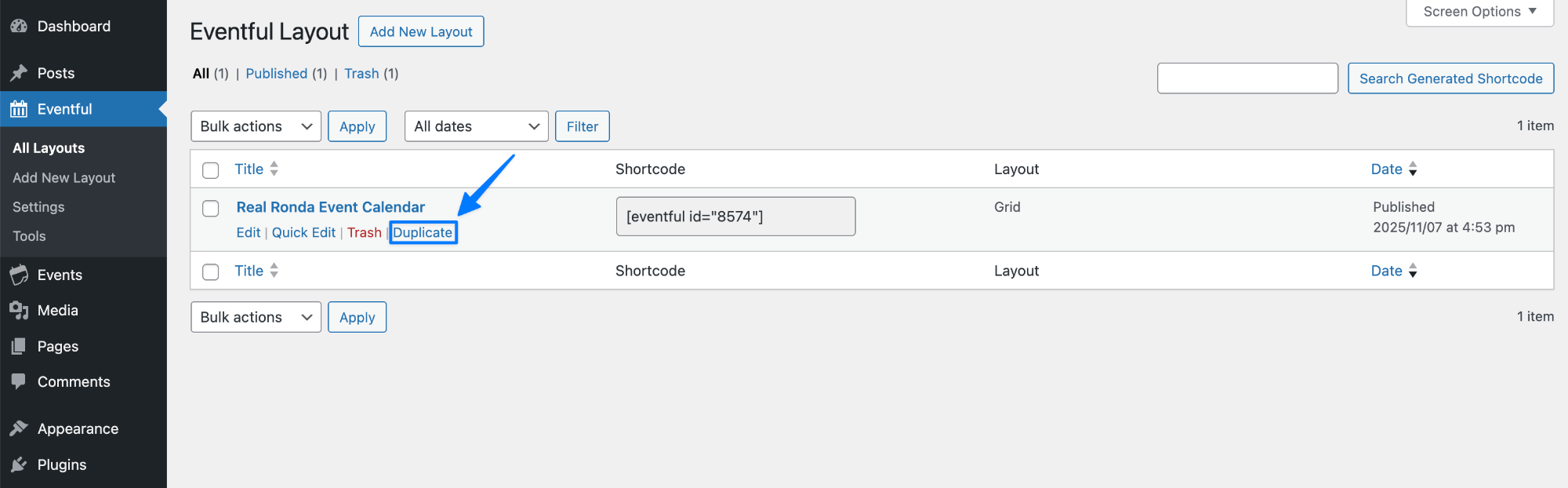
Steps to Duplicate an Event Layout #
- Go to Eventful → All Layouts.
- Hover over the layout you want to duplicate.
- Click the Duplicate link.
- A new layout will be created as a Draft.
- Click Edit, make your changes, and Publish the layout.
💡 Tip: Duplicating layouts is ideal when you want to create multiple variations (colors, layouts, filters) without starting from scratch.


