

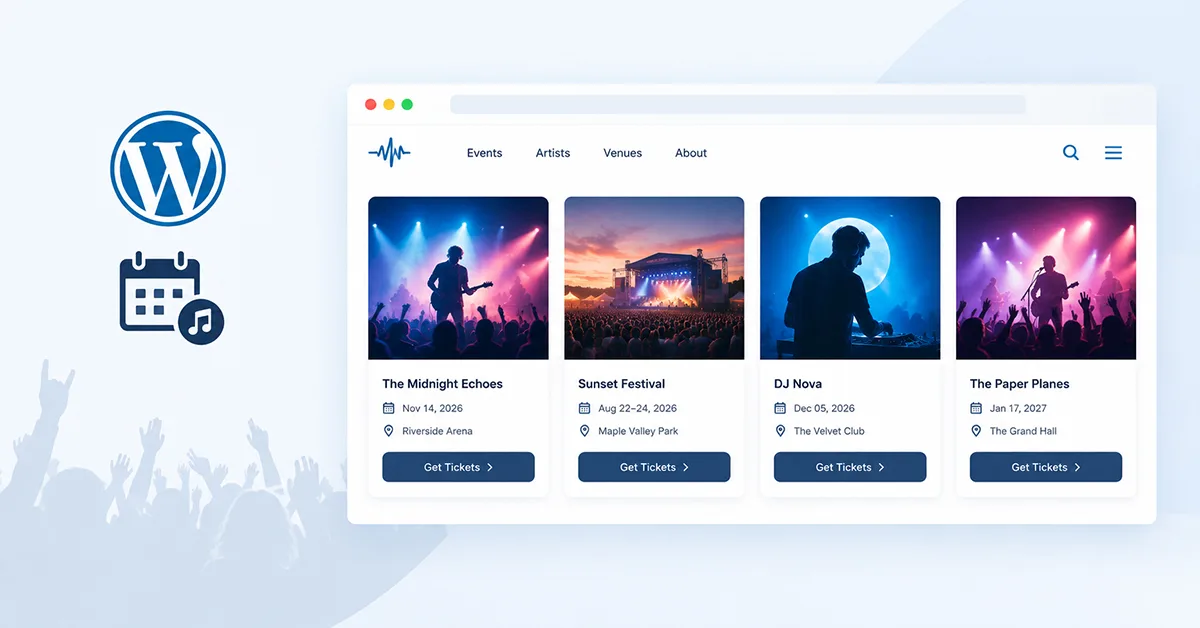

If you’re searching for better festival events wordpress layouts, you’re not alone — most plugin defaults just weren’t built for this. A venue manager pulls up another club’s event page on their phone, then opens their own. The other site shows a clean row of event photos, dates, and a booking link right where a thumb naturally lands. Theirs shows a plain dated list that reads more like a spreadsheet export than a night people want to attend. Nothing is broken — it’s just not built for how people actually browse festival events in WordPress or any other music-heavy site, where the image and the vibe often matter as much as the date itself.
This isn’t a knock on any particular plugin’s default views. It’s a presentation problem specific to a highly visual niche, and it has a practical fix once you know what to look for.
Key Takeaways
- Visitors need to identify an event fast: image, artist or event name, date, venue, and next action — in roughly that order.
- Festivals, single venues, and touring artists have genuinely different layout needs — one grid style doesn’t fit all three.
- A slider or carousel is good for promoting featured nights, but shouldn’t be the only way to browse every event.
- Mobile layout matters more than decorative animation — readable dates and tap-friendly actions beat visual flourish.
- Event management (storing dates, venues, descriptions) and event presentation (how that data looks on the page) are separate layers, often handled by different tools.
- Consistent image ratios and clear hierarchy do more for a music event page than adding extra visual effects.
Table of Contents
Why a Music Event Website Needs a Different Visual Approach
Visitors to a music or nightlife event page usually need to identify one thing fast: is there a show I want, and how do I act on it? That means scanning image, performer or event name, date, venue, location, and action, often on a phone screen after clicking through from a social link. If any of those pieces are buried or hard to scan, the visitor moves on rather than digging.
That’s different from, say, a corporate conference page, where visitors are usually already committed and just need logistics. Music and nightlife visitors are frequently still deciding whether to go at all, and imagery plays a real role in that decision, not just a cosmetic one.
That doesn’t mean every layout needs to be flashy. It means the essentials need to be visible without hunting, and the imagery needs to do real work — helping someone recognize an artist or vibe at a glance, not just decorate the page.
The Information Hierarchy That Matters
A practical starting hierarchy for most music and nightlife pages: Date → Event/Artist → Venue/Location → Essential details → Ticket/booking action. Not every site should follow this exact order — a touring artist’s site might lead with the artist name instead of date, for instance — but visitors shouldn’t have to hunt for any of these five things once they’ve found an event they’re interested in.
The Best Layout for Festival Events WordPress Sites
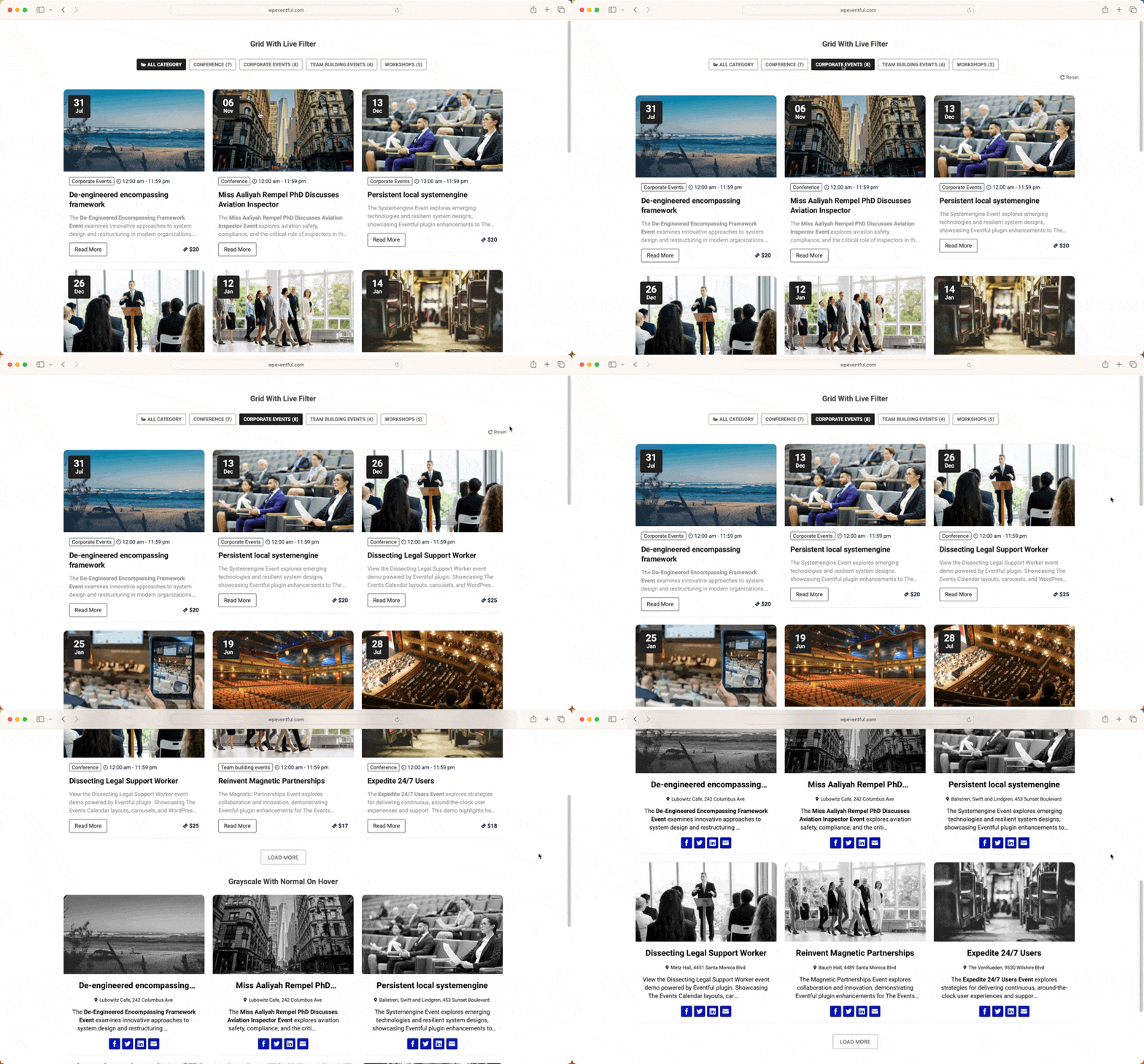
Festivals and multi-day events usually involve a lot of events, strong artwork, and visitors who are browsing rather than looking up one specific date. A visual grid or card layout tends to suit this better than a plain chronological list, since it lets people scan by image first and drill into details once something catches their eye. A schedule-oriented view can still be useful alongside the grid, particularly once a visitor has picked a day and wants to see everything happening on it.
Worth being precise about: a “festival lineup grid” here means a visual grid of festival events or sessions, not a dedicated artist database or multi-stage timetable system. Before naming a specific layout preset, since grid options and their exact names can change between plugin versions.
Event Calendar for Venues: Independent Spaces and Weekly Nights
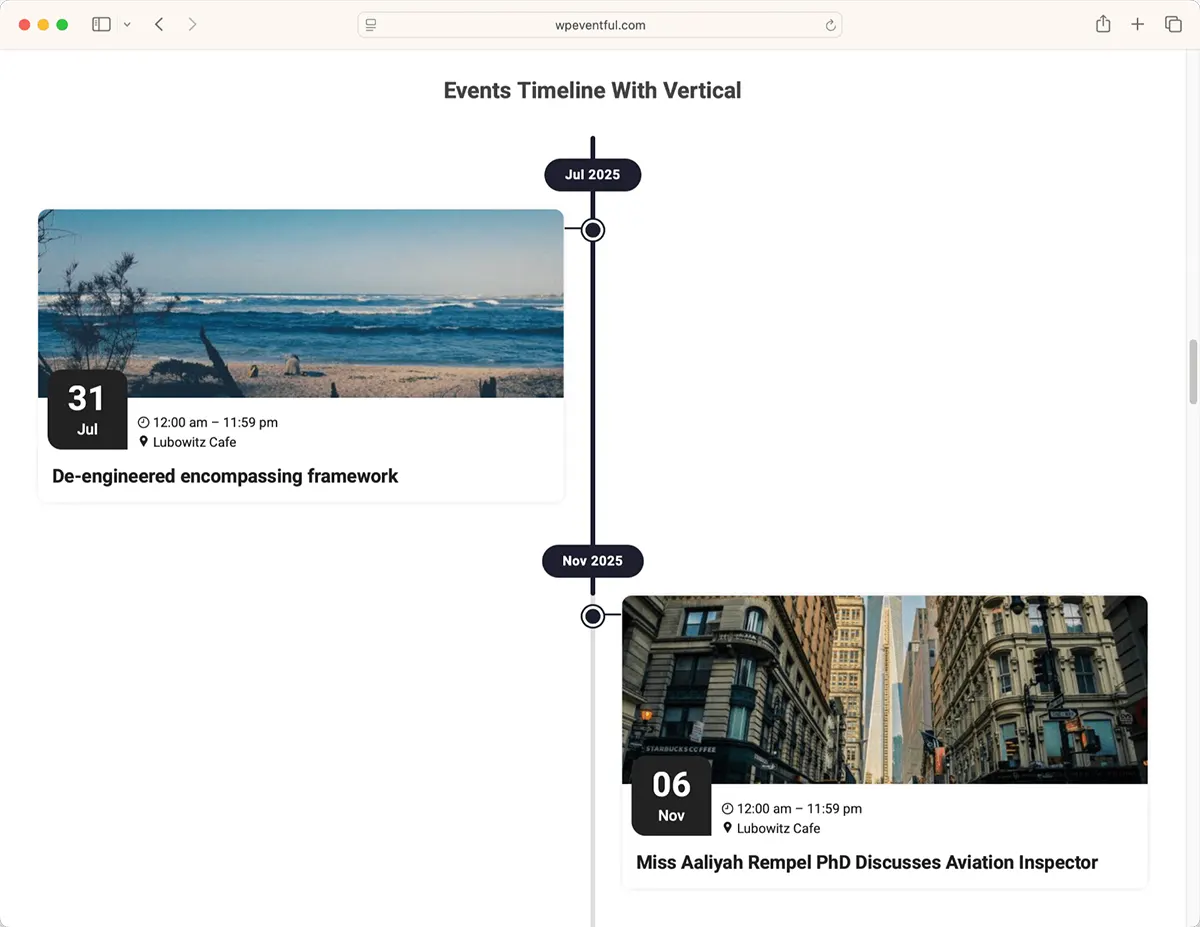
A venue with recurring nights, weekly concerts, or regular club programming has a different problem than a festival: visitors mostly care about what’s happening soon, not about browsing months of calendar data. Fast scanning by date, and sometimes by category, matters more here than artwork density.
Hypothetical scenario
A small venue hosts several recurring nights each week. Visitors care more about what’s happening this weekend than browsing months of calendar data. A visual list or card presentation may suit that discovery pattern better than a full month grid. This is an illustrative example, not a real customer case.
Band Tour Dates WordPress: What Touring Artists Actually Need
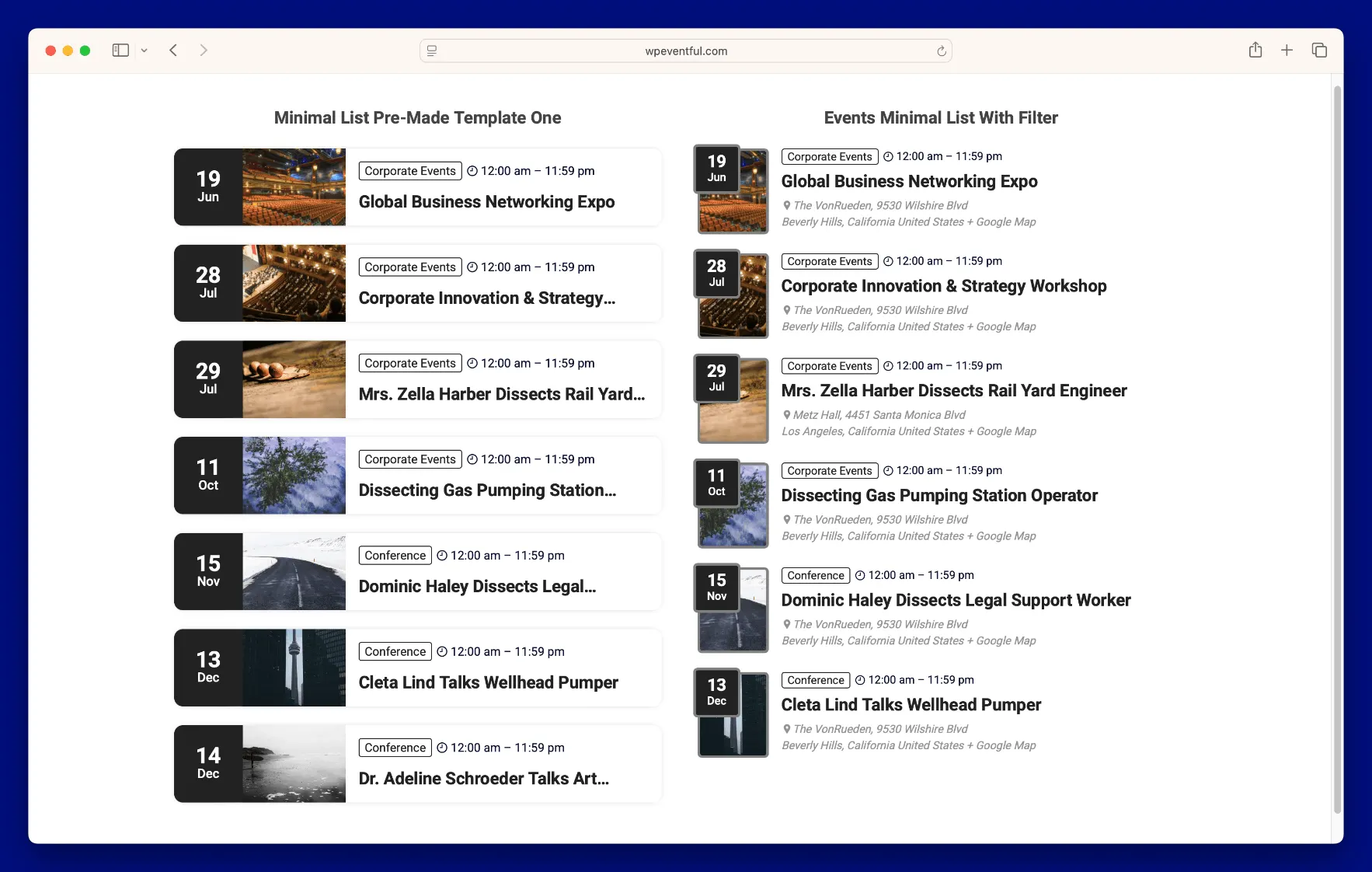
Touring artists have narrower needs than either festivals or venues: visitors usually want to confirm one thing — is there a show near me — as fast as possible. That means city, date, venue, and action, without extra card complexity competing for attention. A long scannable list of dates often outperforms an elaborate card design here, since most visitors are only interested in one or two rows out of the whole tour.
This is also where letting go of imagery-heavy cards actually helps. A tour list doesn’t need a full promotional photo per city — one consistent artist image at the top of the page, paired with a clean date list below it, is usually enough.
Hypothetical scenario
A touring artist plays a different city every few nights across a two-month run. Visitors from each city mostly want to check whether a date exists near them and get to a booking link — a dense card grid built for a festival’s imagery would slow that down. A simple scannable date list serves this better. This is an illustrative example, not a real customer case.
Nightlife Website WordPress: Club and Night Promotion
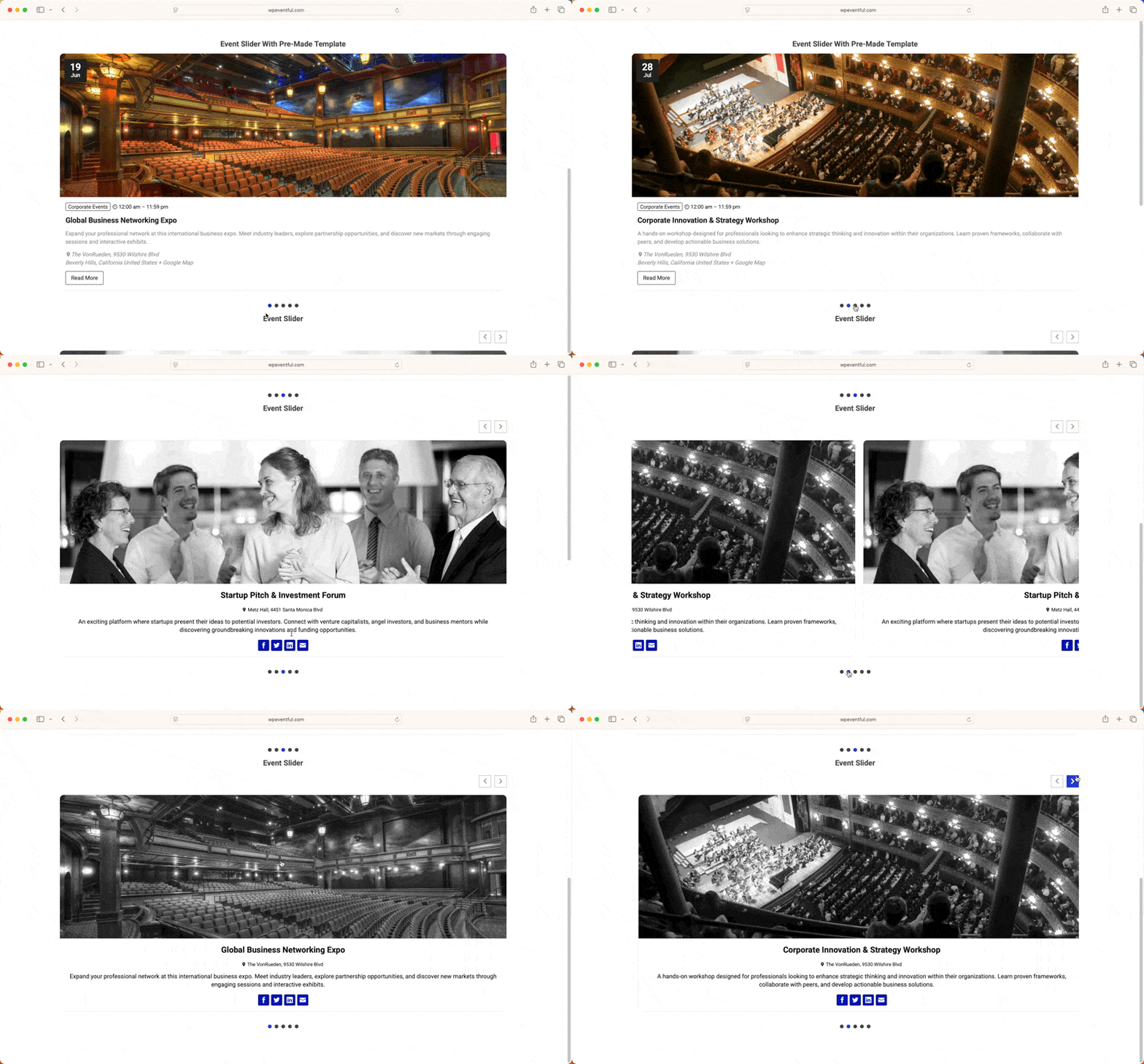
A carousel or slider can work well on a homepage for promoting featured nights or upcoming highlights, giving a few events extra visual weight without redesigning the whole page. It’s a natural fit for nightlife specifically, where the homepage often needs to sell an upcoming Friday or Saturday night rather than list every future date at once.
The trade-off worth remembering: a slider is useful for promotion, but it shouldn’t become the only way visitors can discover every event — anything not featured in the rotation effectively disappears. Pair it with a full events page elsewhere on the site so nothing gets lost. For a closer look at slider and carousel options specifically, see 7 Best Event Slider & Carousel Plugins for WordPress.
Mobile Matters More Than Decorative Effects
A lot of music and nightlife traffic arrives from social links opened on a phone, so mobile layout deserves more attention than animated flourishes. Focus on readable type, a clearly visible date, appropriately sized imagery that doesn’t force awkward cropping, tap-friendly action buttons, short metadata instead of dense paragraphs, minimal competing controls, and the important action visible without excessive scrolling.
It’s worth actually testing this on a real phone rather than just resizing a browser window. Things that look fine at a resized desktop width — tight spacing, small tap targets, a date squeezed next to a headline — often feel cramped on an actual device.
None of this guarantees more ticket sales — that depends on far more than layout. But a page that’s hard to scan on a phone is a page people leave before they even see what’s on offer.
What Makes a Music Event Layout Actually Work?
Across festivals, venues, and touring artists, a handful of practical factors show up again and again:
- Strong imagery that actually represents the event or artist
- Consistent image ratios across cards, so nothing looks stretched or cropped oddly
- Visible dates that don’t require a click to find
- Clear venue/location hierarchy
- Readable typography at the sizes people actually view it at
- Sensible card density — enough information to decide, not so much it overwhelms
- Enough whitespace that cards don’t blur together
- Color contrast that keeps text legible over imagery
- An obvious, consistent action on every card
- A layout that holds up responsively, not just on the designer’s monitor
Setting It Up With The Events Calendar + Eventful
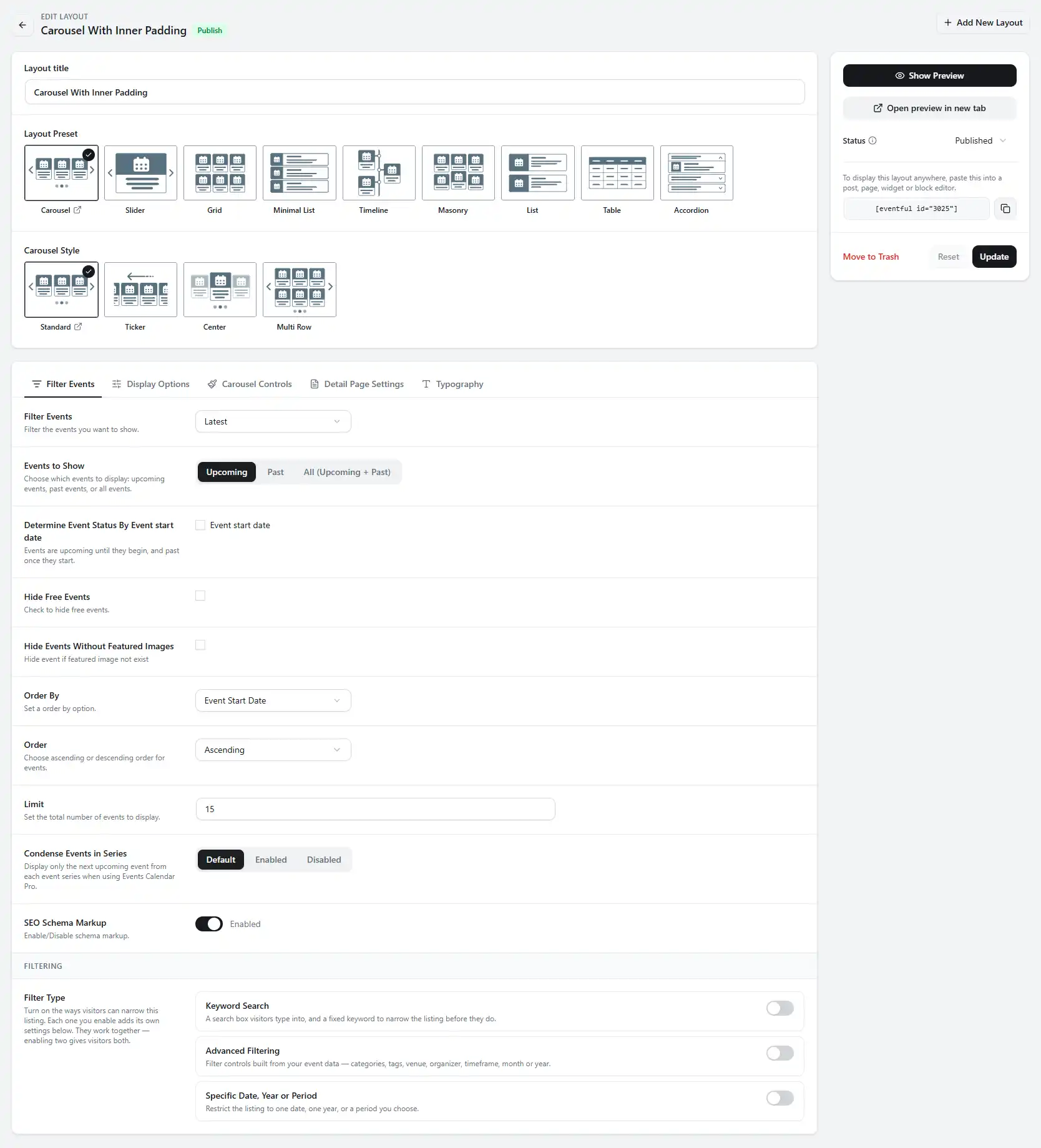
This isn’t a full tutorial — just the general shape of the workflow if you’re using The Events Calendar to manage your events and a display add-on like Eventful to present them. The point isn’t to memorize these steps; it’s to see that data management and presentation happen in two separate places, which is useful to know before you go looking for a setting in the wrong screen:
- Store and manage your event information through the underlying event system.
- Install and configure the display add-on.
- Choose a presentation that fits your use case — grid, list, or carousel.
- Configure which event details appear on each card.
- Match the layout’s visual style to your website.
- Test the result on both desktop and mobile.
- Verify every booking or ticket link actually goes where it should.
For any specific UI control name before publishing, since exact labels can shift between versions. For a full step-by-step on one specific layout, see How to Create an Event Grid in WordPress (Step-by-Step) rather than duplicating that process here.
Common Mistakes
| Common Mistake | Better Approach |
|---|---|
| Text-only event lists for highly visual events | Add consistent event imagery so visitors can scan by sight |
| Tiny, inconsistent images across cards | Standardize image dimensions and crop ratios |
| Date information that’s hard to scan | Make the date one of the most visually prominent elements |
| Burying the booking/ticket action | Keep the action visible and consistent on every card |
| Excessive animation | Use motion sparingly, only where it aids scanning |
| Putting essential info only inside a slider | Keep a full, non-slider list available too |
| Desktop-first layouts that crowd on phones | Design and test mobile early, not as an afterthought |
| Inconsistent image aspect ratios | Pick one ratio and crop every image to match |
| Too much metadata on every card | Show only what helps a decision; leave detail for the event page |
FAQ
What is the best WordPress layout for festival events?
A visual grid usually works best for festivals, since visitors are often browsing many events with strong artwork rather than looking up one specific date. A grid lets people scan by image first, then check dates and stages once something catches their eye.
How can I show band tour dates on WordPress?
Keep it simple: a scannable list or compact card per city, showing date, venue, and a ticket or booking link, without extra visual complexity. Touring artists’ visitors usually want to confirm one thing fast — is there a show near them — not browse artwork.
Can I display music events in a grid?
Yes. A grid layout is a common choice for music and festival events because it supports strong imagery and lets visitors browse multiple events visually. Whether a given plugin supports a grid layout specifically should be confirmed against its current documentation.
What should a nightclub events page include?
At minimum: the event or night’s name, date, a clear image, and a booking or ticket action that’s easy to find. A promotional carousel can highlight featured nights on the homepage, but it shouldn’t be the only way visitors can find every upcoming event.
Can The Events Calendar be used for music venues?
Yes, The Events Calendar is a general-purpose WordPress event system that music venues, festivals, and promoters can use to manage event data. How that data is presented visually is a separate layer, often handled by a display add-on layered on top.
Do I need a separate ticketing plugin?
It depends on how you sell or manage tickets today. Many music and nightlife sites simply link out to an existing ticketing or booking service rather than processing sales on the WordPress site itself, which avoids adding a dedicated ticketing plugin at all.
Conclusion
Match the event layout to how the audience actually browses the events — a festival’s visitors browse, a touring artist’s visitors check one city, and a venue’s regulars want to know what’s on this weekend. Get that match right and the rest of the design decisions get much easier.
If you’re already using The Events Calendar and want more ways to present what you’ve built — grids, carousels, or a simpler list — Eventful is one option worth a look. See Free vs Pro: Is The Events Calendar Enough, or Do You Need an Add-on? and The Events Calendar Default Views vs Custom Layouts: A Visual Comparison to compare your options first.