

Changelog
Eventful for Elementor Changelog
Every Eventful Pro for Elementor release, newest first: new widgets and options, fixes and compatibility updates. Update from your WordPress dashboard with an active license.
Version 2.3.0
Latest
- AddedCarousel and Slider "Number" pagination: Number Active Color and Number Active Background (by default the active number keeps its current colours).
- AddedTimeline: Fill on Scroll switch (on by default), Track Color and Fill Color (the former Timeline Line Color, which only ever coloured the fill). Vertical and horizontal timelines.
- AddedList and Minimal List: Image Height (Auto or Fill card) and Object Fit, for the image beside the text, in Custom and pre-made designs.
- AddedList and Minimal List: Stack on Mobile (off by default), with a breakpoint and an image aspect ratio. It measures the list itself, so a list in a narrow column stacks too.
- AddedAccordion: Image Width (responsive) and Content Vertical Align for the image beside the text (Custom, Template Two and Template Three).
- ImprovedFont Awesome icons load from a subset of the icons the plugin uses (about 95 KB less CSS), with the same fonts. A widget with an icon picked outside the subset loads the full set.
- ImprovedPre-made template styles load only on widgets that use a pre-made template, and each widget's layout styles load only with that widget (eventful.main.css goes from 114 KB to 35 KB).
- FixedAccordion (Custom template): the image disappeared on screens up to 600px; it now shows full width above the text.
- FixedCarousel "Long Arrow" navigation showed no arrows.
- FixedNumber pagination: inactive page numbers default to white on #6B6B6B (5.3:1) instead of white on #aaa (2.3:1, below WCAG AA). The active number is unchanged.
- RemovedUnused template file (templates/item/meta-over-title.php).
- ChangedTested up to: WordPress 7.1, Elementor 4.3.5.
Version 2.2.0
- Changed*Security**
- Changed"Separator Between" text is now escaped before it is placed in the page's CSS. Before, a value such as
</style><script>could have been used to inject a script by anyone allowed to edit the widget. - Changed*Visual changes**
- ChangedEvent Meta text (date, venue, price) now defaults to #5F6680 instead of #888, which meets WCAG AA contrast (5.7:1 instead of 3.5:1). Widgets with their own Event Meta colour are unchanged.
- ChangedCarousels without top-positioned arrows (centred, at the bottom, or hidden) no longer have an empty 60px band above the slides, and vertically centred arrows sit exactly at the middle of the slides, also below a filter bar.
- ChangedCarousel columns now follow the Desktop and Mobile Landscape settings; those widths used the Tablet or Mobile values before.
- ChangedCenter mode no longer dims the inactive slides (which took their text below WCAG AA); they are set back by size only.
- ChangedVenue names in the ready-made designs now default to #5F6680 instead of #939292 (5.7:1 instead of 3.1:1).
- ChangedLinks inside the excerpt in the ready-made designs, and the excerpt text where no Content or global Text colour applies, now default to #5F6680 instead of #939292 (5.7:1 instead of 3.1:1).
- ChangedTable Template Two shows the year under the date, and empty-cell markers, in #5F6680 (5.7:1) instead of #9ca3af (2.5:1).
- Changed*Fixes**
- ChangedThe 1.3.0 data migration saved page data without the escaping WordPress expects, which broke pages whose text contained quotes and turned accented letters into codes such as "u00e9". It now saves correctly. Pages damaged by an earlier update are listed in an administrator notice (and by
wp eventful-pro check-data) with a link to their last intact revision to restore; nothing is changed automatically. - ChangedWidgets saved by versions 1.0.0 to 1.2.9 (named "eventful-post-...") rendered nothing since the 2025 rename. They now display again straight after the update and are converted to the current widgets in the background, keeping a copy of each page's original data. Imported templates and restored old revisions keep working too.
- ChangedPages only load the scripts and styles their widgets use: Swiper only for the Carousel, Slider and horizontal Timeline, bxSlider only for Ticker mode, Masonry and imagesLoaded only for the Masonry widget. Elementor's cache is cleared once after the update so pages pick this up.
- ChangedLazy-loaded images keep their shape while loading (they were drawn square), and images inside a closed tab, accordion or popup load when it opens.
- Changed"Content with Limit" no longer joins paragraphs without a space or leaves a broken tag such as
<a…at the cut. - ChangedPrices in Custom templates show the currency symbol ("$35"), and a cost of 0 shows "Free", as in the ready-made designs.
- ChangedVenue details have commas only between parts (no trailing comma), and "State" and "Postal Code" show the right values.
- ChangedNew Text Link style controls (typography, colour, hover colour, padding, margin) for the Read More "Text Link" type, which the existing Read More controls never reached, including a "Keep on One Line" option so a label such as "Event details" doesn't break across two lines.
- Changed"Excerpt" content mode no longer wraps the excerpt in quote marks.
- ChangedFilter Options rows in the editor are titled with the option name ("Event Month") instead of its key ("event_month").
- Changed"Separator Between" now works, and the date format controls have labels.
- ChangedThe mobile "Load More" button had no text when only the mobile pagination type was Load More; its label and ending message are now available and the label falls back to "Load More".
- ChangedVertical Timeline Styles 02 and 03 use the single-column phone layout (no gaps, dots on the line). Horizontal Timeline Style 01 puts every card on one side when only one column fits.
- ChangedSortable Table headers can be used from the keyboard and announce the sort order; "Free" sorts before paid events and dates sort chronologically.
- ChangedEvent images are linked with the event title as their accessible name instead of "feature_image".
- ChangedLeft-image list items have a fixed image width instead of one that changed with the text length.
- ChangedThe live search box and filter dropdowns show a visible keyboard focus ring; dropdown filters have accessible names; counts in dropdowns are plain text.
- ChangedReady-made templates only link the venue name when venue pages exist (with The Events Calendar alone, the link led to the home page).
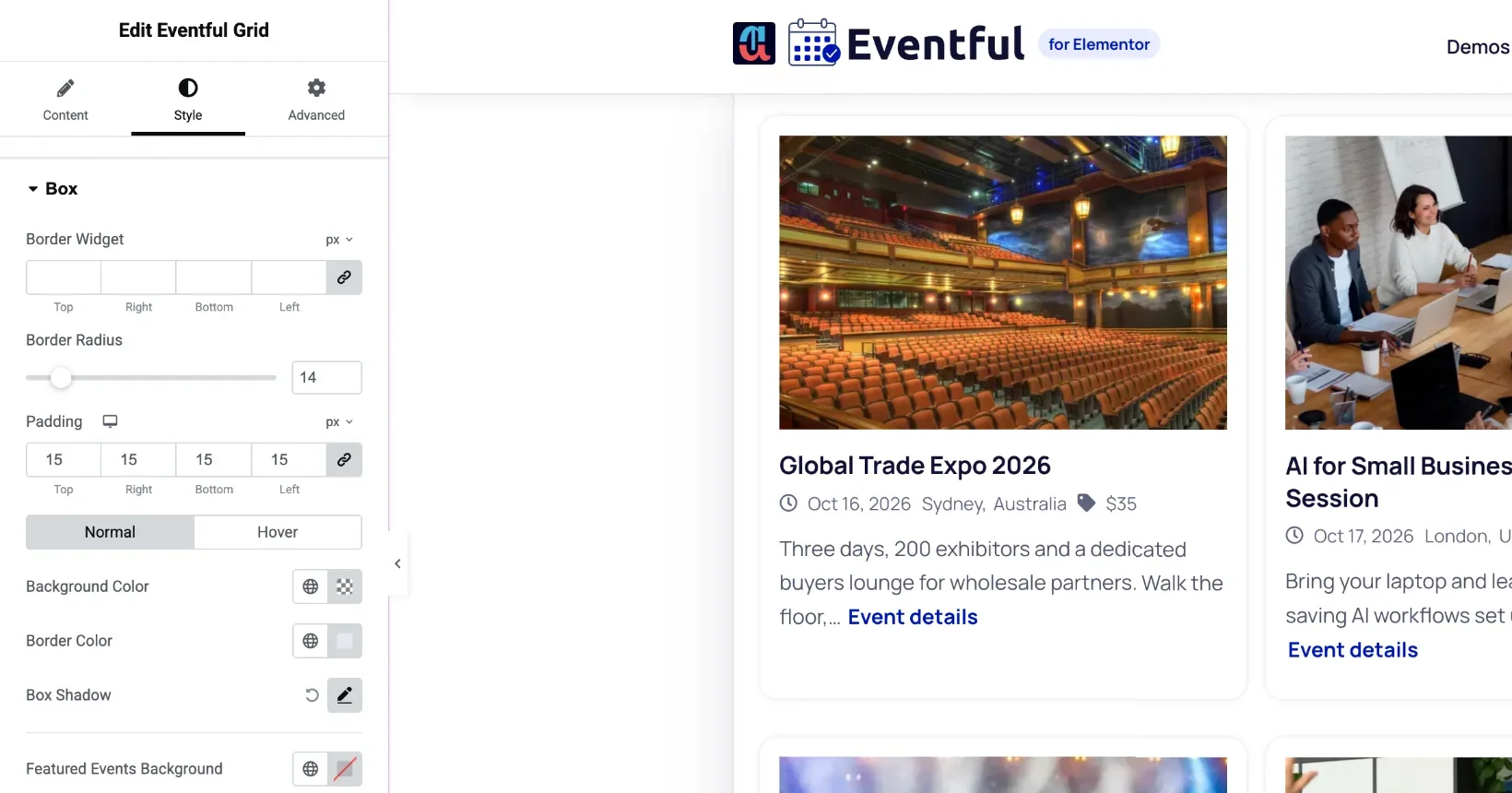
- Changed"Hide Free Events" also hides events with a cost of 0. The Box style "Border Widget" label now reads "Border Width".
- ChangedCategory chips are at least 24px tall (touch target size).
- ChangedHidden carousel slides are kept out of the keyboard tab order and away from screen readers.
- ChangedCarousels with Same Height on no longer lock their cards too tall when the heights are measured while the carousel is still sizing its slides.
- ChangedA Ticker carousel with no events no longer throws a JavaScript error.
- ChangedOld widget settings no longer cause PHP warnings in the author filter.
- ChangedRight-to-left sites now get the right-to-left stylesheet, regenerated from the current styles.
- ChangedTranslation files in the plugin's languages folder are loaded on every WordPress version.
- ChangedTemplate header comments give the correct theme override path.
- ChangedPlugin, demo, documentation and license links point to wpeventful.com; the license notice says the key gives updates and support. The readme describes the current widgets. The Elementor widget category is renamed to "eventful-for-elementor".
- ChangedTested up to Elementor 4.3.5.
Version 2.1.0
- ImprovedResolved the errors and warnings reported by the WordPress Plugin Check. Output is escaped throughout, request values are sanitized, license redirects use wp_safe_redirect(), and every plugin file refuses direct access.
- ImprovedThe live filter escapes category names, labels and values where it builds them. Names containing characters such as "&" display exactly as before.
- ImprovedThe update changelog shown in the plugin details window is filtered through wp_kses_post().
- FixedText settings containing quotes no longer pick up a stray backslash after a live filter or page change.
Version 2.0.0
- AddedSix new widgets, one for each remaining Eventful Pro layout: Eventful Slider, Masonry, Minimal List, Timeline, Table and Accordion. Each is a widget of its own with its own controls, and each can be switched off under Eventful for Elementor → Settings.
- AddedTimeline: vertical, with five designs and an optional month and year separator, or horizontal, with three designs as a swipeable row. Line thickness and the line, dot, date badge and navigation colours are all configurable.
- AddedTable: either a column set built from your Content Fields with editable column headings, or one of three ready-made designs with per-column show/hide for image, event, date, time, venue, organizer, category, cost, details and action. Border style (none, horizontal, full grid, outer only), header colours, cell padding, a sticky header, sortable columns, and a choice between scrolling the table or stacking it into cards on phones.
- AddedAccordion: first panel open, all open or all folded on load, a toggle icon of your choosing with size and colour, and three ready-made designs, the first of which embeds a map of the event venue.
- AddedMinimal List: a compact row with the image beside the details, three ready-made designs and a thumbnail border option.
- AddedSlider: one event per slide, with the slide, fade, coverflow, cube and flip transitions.
- AddedMasonry: events packed into columns of unequal height, following the Columns and margin controls.
- AddedThe new layouts' ready-made designs are template files, so they can be overridden from a theme like every other template in the plugin.
- FixedBlock markup such as
<!-- wp:tribe/event-links -->could appear in the event content on the page. These are HTML comments, which a browser hides, but shortening the content to a word or character limit could cut one in half, and the part left behind was no longer a comment, so it showed as text and swallowed whatever followed it. Block markup is now removed before the content is shortened, in both the Content Fields and the ready-made designs.
Version 1.4.3
- FixedActivating the plugin from WP-CLI, from a bulk "Activate" action, or on a network could be cut short. The plugin redirected to its license screen on every activation and ended the request there, which aborted the caller mid-run and made automated tools report the activation as failed. The license redirect now only runs for a normal single activation from the Plugins screen.
- FixedSeveral JavaScript errors on the plugin's settings screen. A variable holding the remembered tab was read before it was ever declared, throwing on every load without a URL hash; the sticky submit bar measured an element that is not part of the page; and the colour picker and media library were called without checking they had loaded.
- FixedThe license key show/hide toggle threw an error on the help screen, where the license field does not exist. The help screen's video playlist threw an error where the player is not present.
- FixedReplaced Elementor APIs deprecated since Elementor 3.1/3.5 (
_register_controls(),register_widget_type()and theelementor/widgets/widgets_registeredhook), which emitted deprecation notices and would stop working in a future Elementor release. - FixedThe widgets and AJAX handlers called The Events Calendar's functions without checking the plugin was active, which was a fatal error rather than a clean notice.
- FixedThe AJAX handlers skipped their nonce check entirely when no nonce was sent, instead of rejecting the request.
- FixedThe plugin's admin class read the active-plugins option without confirming it was an array.
- ChangedTested up to WordPress 7.1. Minimum supported PHP raised to 7.4 and minimum WordPress to 6.0, matching what the code already required.
Version 1.4.2
- FixedThe widgets loaded their bundled Swiper, bxSlider, Font Awesome and stylesheets under generic names shared with the Eventful Pro core plugin. With both active, WordPress served whichever plugin registered a name first, so the carousel could receive a different Swiper version than the one it was built for and fail to start with a "not defined" error in the browser console. Every bundled library and stylesheet now loads under a name unique to this plugin.
- FixedCarousel pagination dots were all the same solid colour, so the current slide could not be told apart from the rest. Inactive dots now use a lighter colour, matching the shortcode carousel. The widget's Pagination → Color setting still overrides it.
- FixedEvents with no featured image no longer fall back to a placeholder graphic. The placeholder had a different shape to real event thumbnails, so a single event without an image made every card in a carousel as tall as the placeholder and left a large empty area beneath the visible events. Cards without an image now size to their own content. Sites that prefer the old behaviour can restore it with the
eventful_pro_for_elementor_show_no_thumb_placeholderfilter.
Version 1.4.1
- FixedAdding an Eventful Carousel to a page broke other Swiper-based carousels on the same page, such as the Elementor Image Carousel: the container kept its space but no slides were shown. The plugin bundles its own copy of Swiper, which was overwriting the
Swiperglobal that Elementor and other plugins rely on. The bundled copy is now exposed under its own name and no longer touches the shared global, so each carousel runs against the Swiper version it was written for. - FixedThe Eventful Carousel itself rendered as an empty area with working arrows and dots but no visible events when Elementor Pro was active. The carousel element carried the class name used by newer Swiper releases, which made an Elementor Pro rule intended for its own un-initialised carousels apply permanently and clip every slide out of view. The class is no longer output.
- FixedSlides could flash clipped on page load before the carousel finished initialising, on sites where another plugin styles un-initialised Swiper markup.
Version 1.4.0
- AddedPre-made Templates: a new "Template Styles" section on the Grid, List and Carousel widgets lets you switch from the Custom layout to one of three ready-made designs (Template One / Two / Three), with a preview of the selected design shown in the editor.
- AddedTemplate Styles controls for the pre-made designs: theme colour scheme (featured / non-featured), alignment, date strip background and gradient, and per-field show/hide with title and content length limits, content display type, price position and read more label.
- AddedThe pre-made designs are template files, so they can be overridden from a theme like every other template in the plugin.
- ChangedContent Fields now live in their own section, shown only for the Custom template so the pre-made designs are not mixed with controls they do not use.
- ChangedTitle, Content, Read More and Image style controls now also target the pre-made markup, so the Style tab applies in both template modes.
- ChangedItems now use their natural, content-driven height by default; equal heights are applied only when the "Same Height" option is enabled.
- ChangedTemplate One shows a single date badge in the top-left corner of the thumbnail.
- ChangedTemplate Two date strip now adapts to the event: a multi-day event shows the full span ("13 December, 2026 - 15 December, 2026"), a single-day event leads with its time range ("10:00 - 12:00 13 December, 2026").
- FixedStyle conflict with the Eventful shortcode plugin when both are active. This plugin's stylesheet is now fully scoped to its own section wrapper, and the two class names it shared with Eventful were renamed: the events wrapper
eventfulis nowefpe-eventsand the itemeventful__itemis nowefpe-item. The sharedta-containerclass was also dropped from the widget wrapper. No change is required in the Eventful plugin. - NoteIf you target
.eventfulor.eventful__itemin custom CSS, update those two selectors to.efpe-eventsand.efpe-item. All other class names are unchanged, includingeventful__item--title,eventful__item--metaandeventful__item__content. - ChangedThe Style tab is hidden while a widget is set to Pre-made Templates. Its controls target the Custom template's markup, so they have no effect on the ready-made designs. The tab returns as soon as Custom is selected again; no setting is changed or reset either way.
Version 1.3.2
- Added"Currently Happening" timeframe option: filters to events in progress right now (start on/before and end on/after the current date and time, using the site's WordPress timezone). Supports all-day and multi-day events and works across AJAX filtering, pagination, search, and category/tag/venue/organizer filters.
- FixedContent character limit no longer breaks HTML markup: truncation now counts only visible characters, keeps tags (e.g. images) intact, closes any open tags, and breaks on word boundaries with proper multibyte (UTF-8) support.
Version 1.3.1
- FixedType of Event filter (Past / Upcoming / All) not being applied: the meta_query built for date filtering was being overwritten by a subsequent assignment before it reached the database query.
- FixedType of Event filter bypassed entirely when the "Exclude by event type" option had any value selected (e.g. Password Protected), causing all events to show regardless of the selected type.
- FixedSame Height styling incorrectly applied to newly loaded items after clicking Load More even when the Same Height option was disabled.
Version 1.3.0
- AddedNew keyword search filter with an option to enable a live search bar inside the filter section.
- AddedOption to display the keyword search bar directly inside the live filter bar.
- AddedAdvanced filter support for Venue, Organizer, Event Type (Time-Based), Timeframe, and Month alongside Category and Tag filters.
- AddedFilter Relation (AND/OR) control for defining how multiple active filters are combined in queries.
- AddedFilter Option Columns control to display filter choices in a configurable multi-column grid layout.
- AddedReset button support for the filter bar with customizable button text.
- AddedOption to customize the "All" label text in filter groups.
- AddedActive state style controls for pagination, including color, background color, and border color.
- AddedIncluded SASS source files for all frontend styles.
- FixedAJAX number pagination prev/next arrows disappearing after filter interaction and not restoring on "All" selection.
- FixedNo-AJAX pagination filter counts showing 0 on paginated pages by excluding pagination parameters from count queries.
- FixedNo-AJAX pagination links incorrectly pointing to admin-ajax.php after filter interaction.
- FixedNo-AJAX pagination numbers not updating correctly after applying filters.
- FixedStyles and scripts not loading correctly inside the Elementor editor preview.
- FixedFilter bar CSS selectors not targeting all filter button types correctly.
- FixedMissing default color values for filter bar button controls.
- ImprovedCompletely redesigned advanced filter UI with a new unified repeater (
filter_options_group) replacing separate taxonomy and advanced filter controls. - ImprovedSwitched AJAX event queries from
WP_Query/get_poststotribe_get_events()for better compatibility with The Events Calendar query system. - ImprovedRefactored pagination bar to accept total event counts directly instead of relying on
WP_Queryobjects. - ImprovedUpdated carousel template with accessibility enhancements including keyboard navigation and configurable ARIA messages.
- ImprovedRefactored AJAX handler variable naming for better consistency.
- ImprovedRefactored asset registration and localization into dedicated methods.
- SecurityImproved sanitization of term list data in AJAX filter requests.
- RemovedRemoved the "Sort By" filter type from advanced filter options.
Version 1.2.13
- AddedOption to hide free events (events without price).
- AddedOption to hide events without featured images.
- TestedWordPress 6.9.4 compatibility.
Version 1.2.12
- FixedCodebase refactored for improved stability and maintainability.
- FixedAdded direct file access protection to all PHP files to prevent unauthorized access.
- UpdatedVerified compatibility with the latest WordPress release.
- UpdatedVerified compatibility with the latest PHP version.
- SecurityEnsured all data is properly sanitized, validated, and escaped.
Version 1.2.11
- FixedMeta typography issue.
- FixedMissing composer.json file while using Composer.
- TestedWordPress 6.9 compatibility.
Version 1.2.10
- FixedAjax filtering issue.
Version 1.2.9
- AddedEnable/Disable widget options from admin panel.
- AddedGetting started tab for video instructions.
- UpdatedFull Plugin codebase and added autload for future development.
Version 1.2.8
- FixedFiltering issue
Version 1.2.7
- FixedEvent date issue.
- FixedComma, separator issue for meta
- FixedSome ajax warnings.
Version 1.2.6
- FixedEqual height issue
- FixedWidget ID returning issue
Version 1.2.5
- UpdatedThe event calendar plugin link to install if not installed this plugin
Version 1.2.4
- FixedCarousel and navigation issue.
- FixedUpdate code structure
- FixedSome CSS issues.
- UpdatedCode compatibility with the latest WordPress version
- UpdatedCode compatibility with the latest PHP version
Version 1.2.3
- FixedIssue with sort by event date
Version 1.2.2
- AddedOption to sort by event date
Version 1.2.1
- FixedPHP warning
Version 1.2.0
- FixedPagination issue fixed
- FixedLoading issued on some themes
- AddedAdded notice if not installed 'The events calendar plugin'
- FixedElementor class check condition to call load class
Version 1.1.3
- FixedElementor fields live change
Version 1.0.0
- AddedInitial release
This Eventful for Elementor changelog is read from the plugin itself, so it always matches the latest release. See what each version can do on the features page.
Give your events the layout they deserve
Nine Elementor widgets, AJAX filters and full style control. Try the free version or go Pro today.