

Table of Contents
The Eventful Carousel widget shows your events as a row of cards that slides.
Carousel is in the free version with the Standard mode. Center, Ticker and Multi Row modes, the extra transitions and number pagination need Eventful Pro.
Choose a mode #
- Add Eventful Carousel to the page and open Content > Carousel.
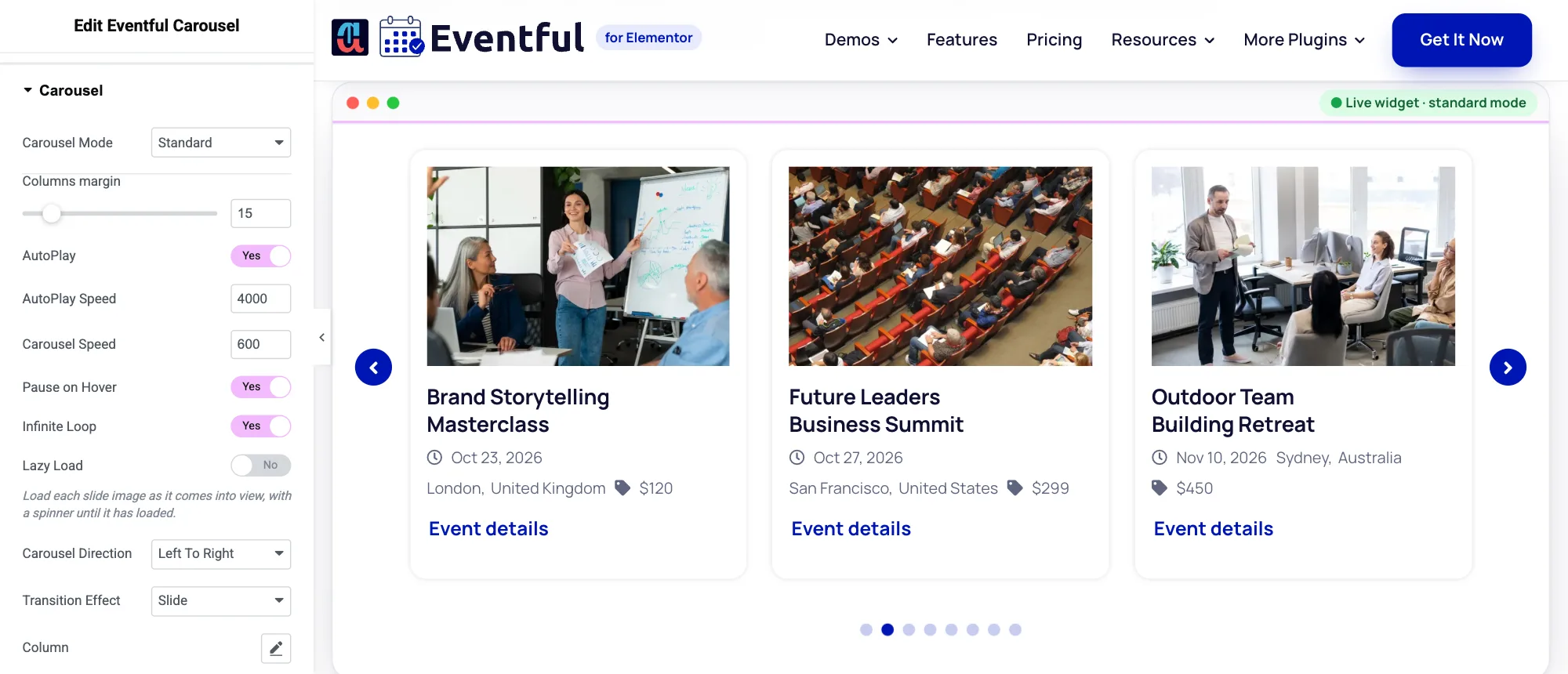
Content > Carousel. - Pick a Carousel Mode: Standard (a row of cards), Center (Pro, the middle card is larger), Ticker (Pro, a strip that scrolls on its own, see Ticker) or Multi Row (Pro, two or more rows that slide together).
- Pick a Transition Effect. Standard and Center offer Slide, Fade (Pro), Coverflow (Pro), Cube (Pro) and Flip (Pro). Multi Row offers Slide and Coverflow.
Movement #
- AutoPlay and AutoPlay Speed: how long each step waits, in milliseconds (default 3000).
- Carousel Speed: how fast a slide moves, in milliseconds (default 600).
- Pause on Hover, Infinite Loop and Carousel Direction (Right To Left or Left To Right).
- Lazy Load: loads each slide image as it comes into view.
Columns, rows and slides to scroll per device #
Open the Column, Row and Slides to scroll pop-overs (the pencil icon). Each has a value for Large desktop, Desktop, Tablet, Mobile Landscape and Mobile, for example 4, 3, 2, 1 and 1 columns. Rows apply to Multi Row mode. Columns margin sets the space between cards.
Arrows and dots #
- Scroll down to Navigation. Set Navigation visibility to Show, Hide or Hide on Mobile.
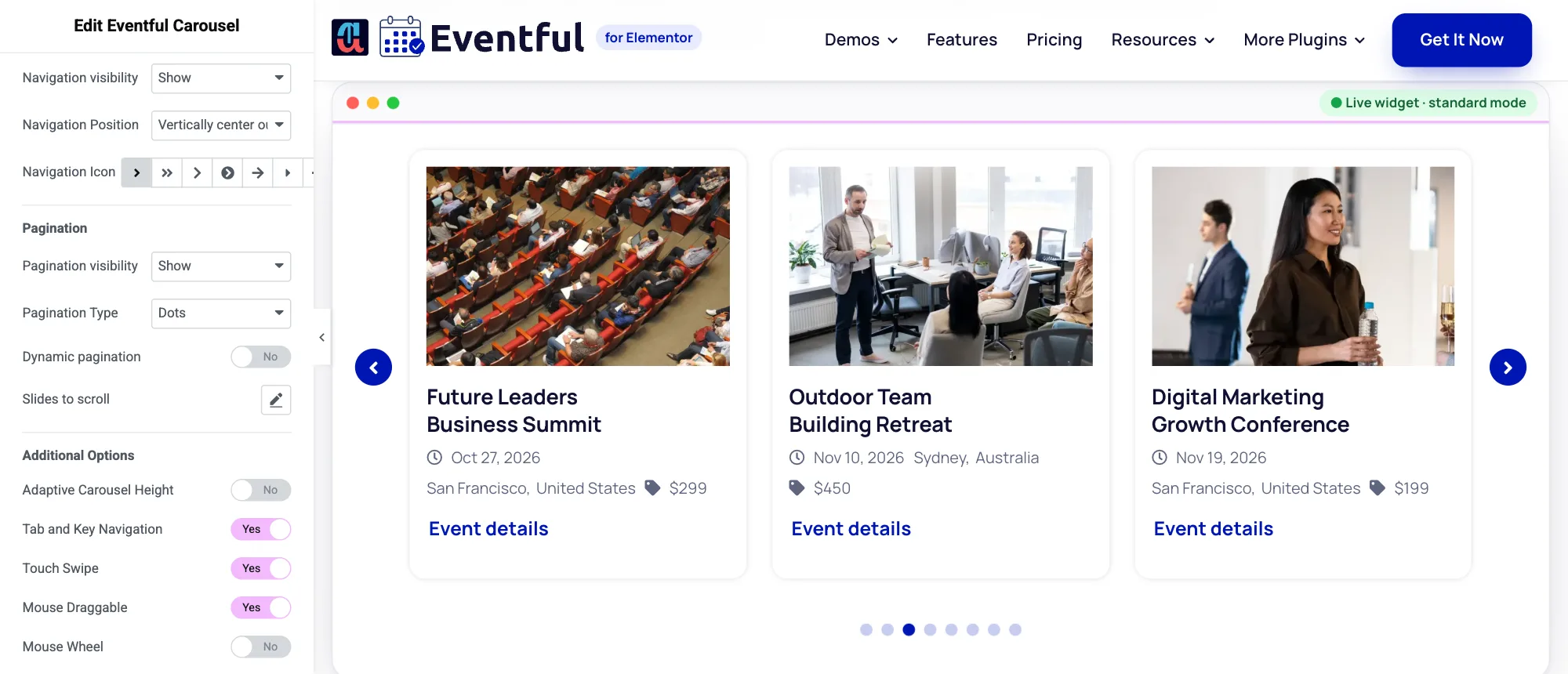
Navigation, Pagination and Additional Options. - Choose a Navigation Position: top left, centre or right, bottom left, centre or right, or vertically centred (outer, inner, or inner on hover). Pick the arrow style in Navigation Icon.
- Under Pagination, set Pagination visibility and the Pagination Type: Dots or Number (Pro). Dynamic pagination keeps a long row of dots short.
Colours and sizes for the arrows and dots are in Style > Carousel. For Number pagination, Number Active Color and Number Active Background (Pro) set the current page number, so it stays readable on your brand colour.
Touch, keyboard and screen readers #
- Adaptive Carousel Height: the carousel takes the height of the visible cards.
- Tab and Key Navigation, Touch Swipe, Mouse Draggable and Mouse Wheel: how visitors can move the carousel.
- Accessibility Messages: the texts screen readers announce for the previous, next, first and last slide and for each dot. Translate them if your site is not in English.


