

Table of Contents
The Filter Events section decides which events a widget shows.
Every Eventful widget has its own Filter Events section, so two widgets on the same page can show different events. Open it from the Content tab.
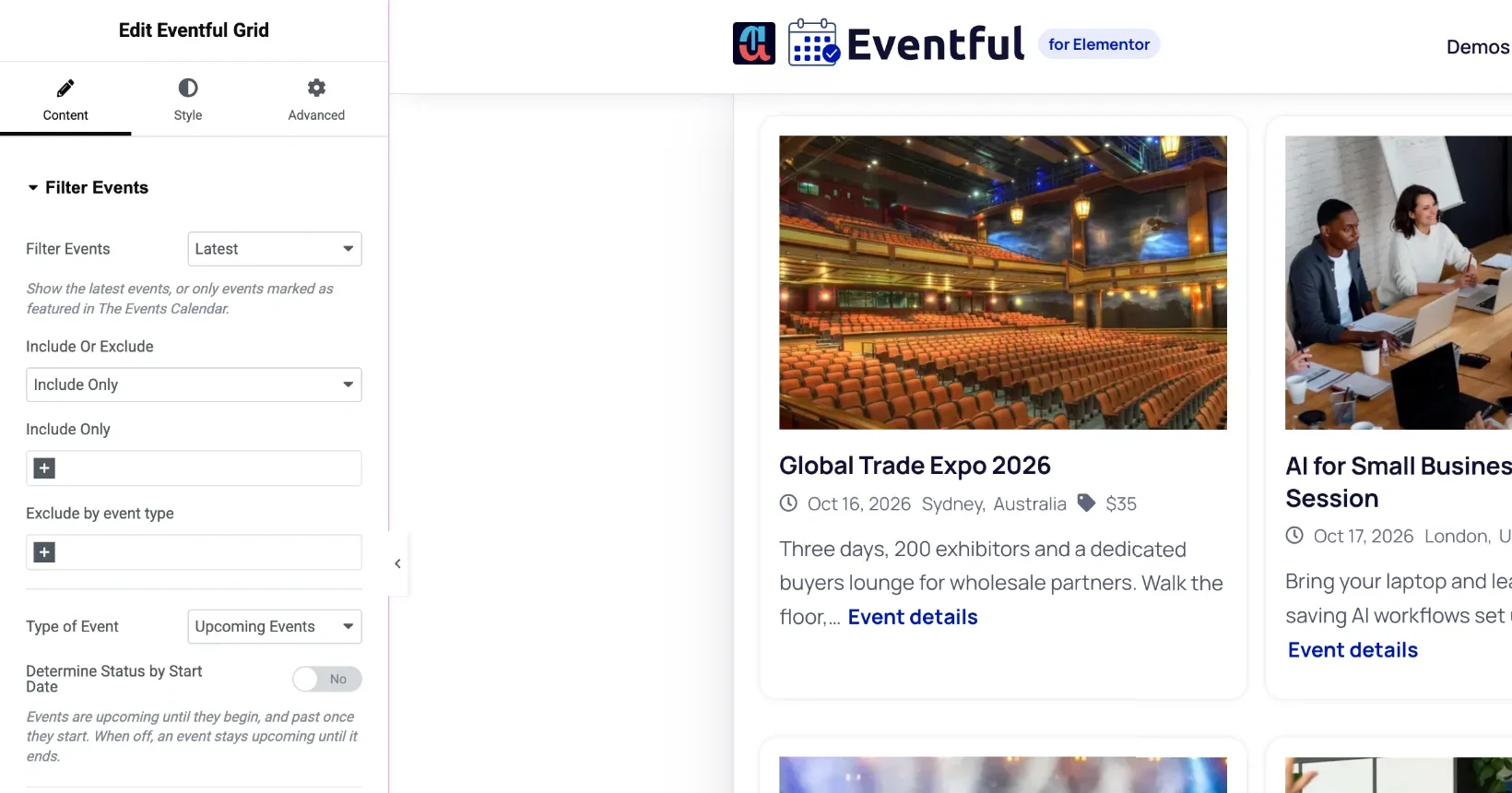
Latest or featured events #
- Set Filter Events to Latest to show events in date order, or Featured to show only featured events.
- To feature an event, edit it in The Events Calendar and tick Feature Event. It then appears in every widget set to Featured.
Show only some events, or hide some #
- Set Include Or Exclude to Include Only or Exclude.
- In the box below, start typing an event name and pick it from the list. Add as many as you need.
Include Only shows just the events you picked. Exclude shows everything else.
Exclude by event type #
- Current Event: leaves out the event the visitor is looking at. Useful when the widget sits on a single-event template as “more events”.
- Password Protected Events: leaves out events protected with a password.
Next: choose upcoming, past or all events.


