

Table of Contents
Switch off the Eventful widgets you don’t use, so the Elementor panel shows only the ones you need.
- In your WordPress dashboard, go to Eventful For Elementor. The Widgets tab opens.
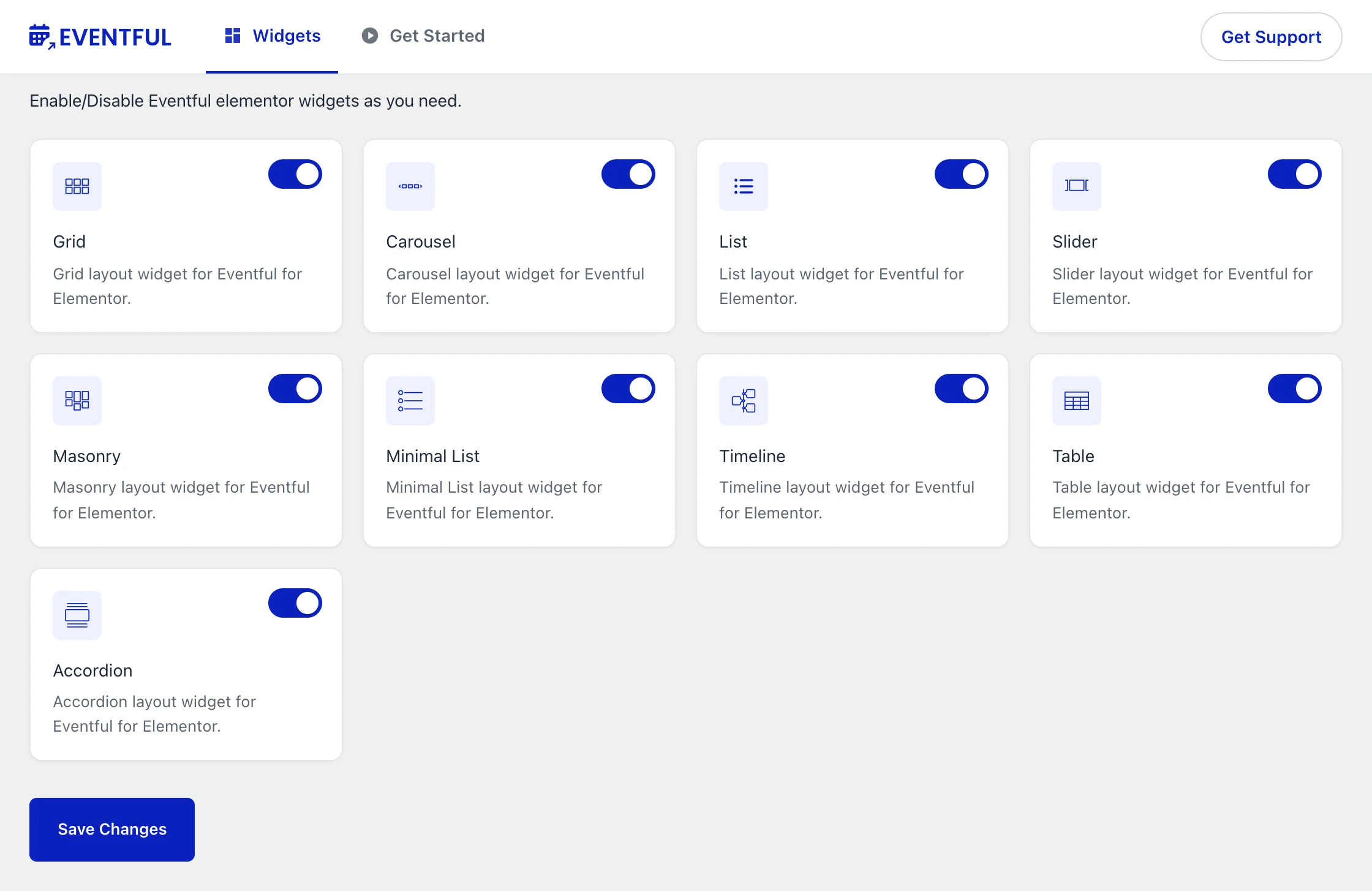
Eventful For Elementor > Widgets: one switch per widget. - Turn the switch on each widget card on or off.
- Click Save Changes.
What happens to pages that use a switched-off widget #
A switched-off widget disappears from the Elementor panel, and pages that already use it stop showing it. Its settings are kept: switch the widget back on and those pages show it again, exactly as before.
Before you switch a widget off, check that no page you still need uses it.


